
Your logo, AI and account
Open Settings & plan in the sidebar.
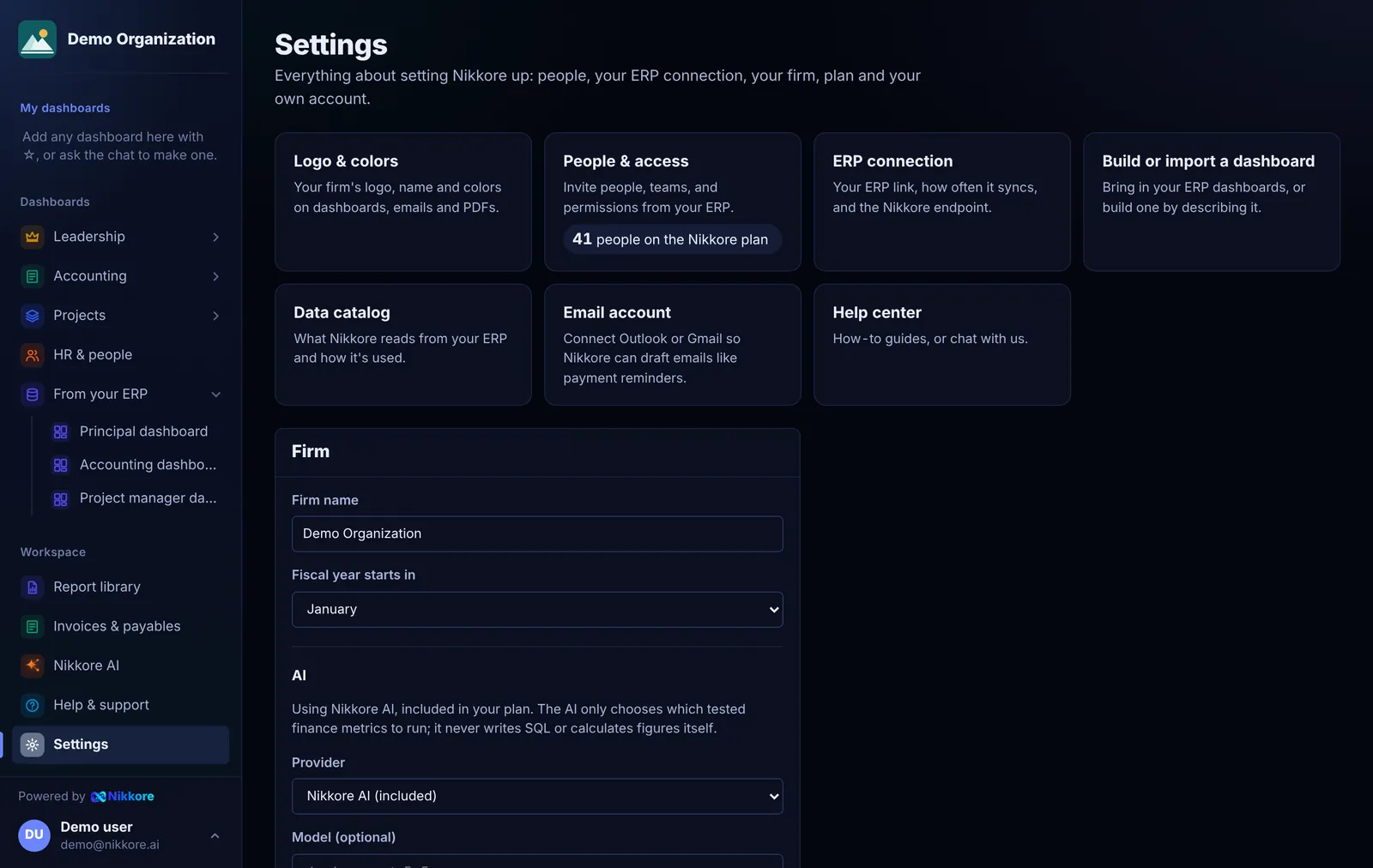
Your logo
Under Branding, select Upload logo (PNG, JPG, WebP or SVG, under 300 KB). It appears:
- at the top of every dashboard,
- next to your firm's name in the sidebar,
- on reports you publish to your website.
A wide logo on a transparent background looks best. Remove takes it off.
AI
Dashmor AI, powered by Claude, is included in every plan: chat, the AI builder and redesigns work as soon as you sign up.
You can switch to your own Anthropic or OpenAI key. Your provider then bills AI usage directly. Choose the provider, paste the key and Save settings. Remove key and use Dashmor AI switches back.
Either way, the AI only chooses which of Dashmor's tested finance metrics to run. It never writes SQL against your data or calculates figures itself.
My account
Change your password under My account. Use at least 10 characters.