
Getting started
Dashmor turns the data your firm already keeps in your ERP in the cloud into finance and operations dashboards, an invoices & payables workspace, and an analyst you can ask questions in plain English. Dashmor only reads from your ERP; it never changes anything there.
Create your workspace
Go to app.dashmor.ai and select Create a workspace. Sign up with Google, with Microsoft (Microsoft 365 work accounts or personal Microsoft accounts), or with your work email and a password. If you use Google or Microsoft, you only type your firm's name.
Every new workspace starts a 5-day free trial with Firm plan features. The person who creates it is the owner.
People you invite can sign in with Google or Microsoft too, as long as the account uses the same email address you invited.
The five-step setup
When you sign in the first time, Dashmor opens a full-screen setup. You can leave and come back at any time with Finish setting up in the sidebar.
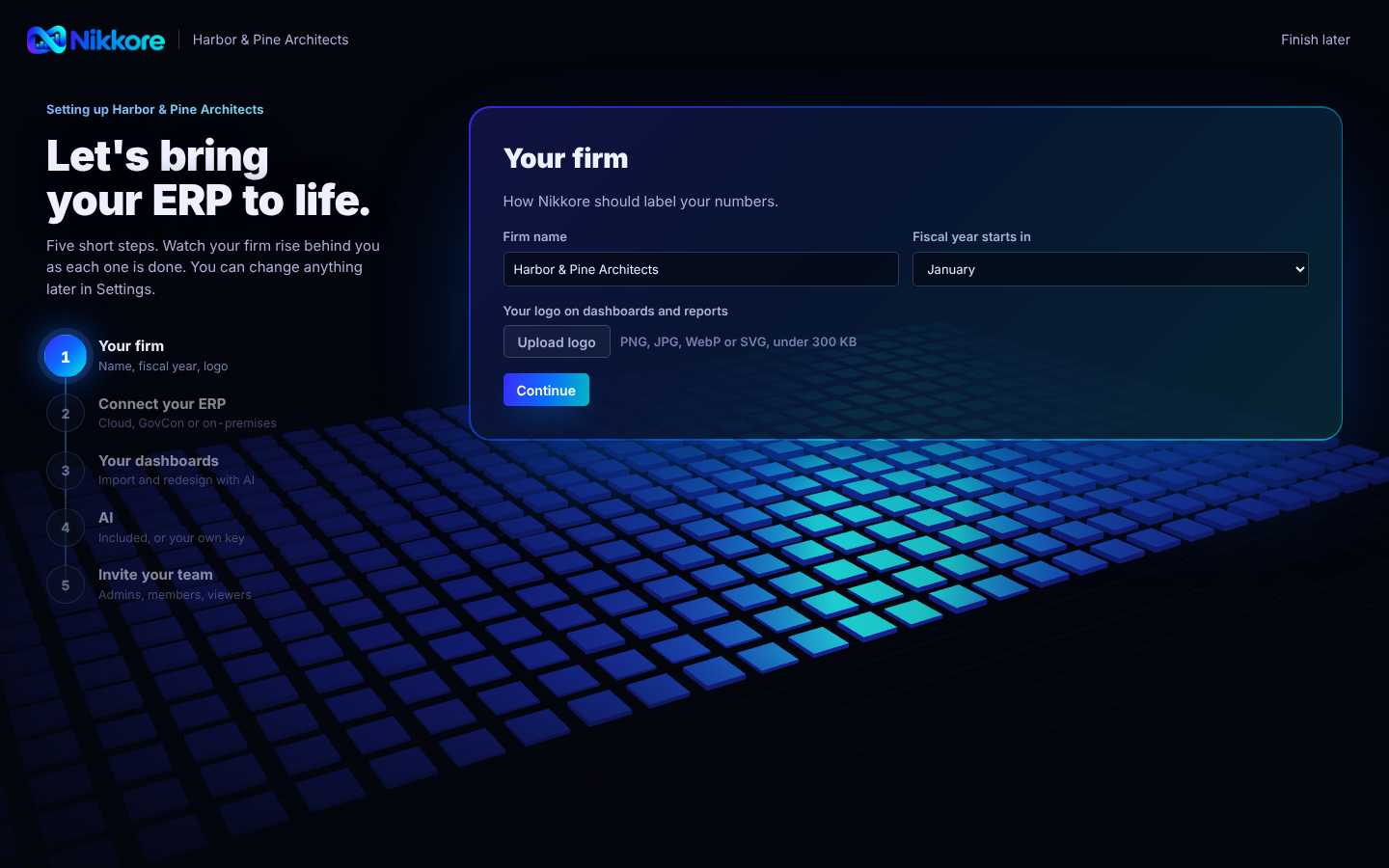
- Your firm. Confirm the firm name and the month your fiscal year starts.
- Your ERP. Pick which ERP you use:
- your ERP (an address like yourfirm.infocusapp.com). See Connect your ERP.
- your ERP or your ERP DataLake. See Connect your ERP.
- Look around first: try everything with a realistic sample engineering firm.
- Connect. Paste your ERP address and API key. For your ERP, the screen then shows, with pictures, how to add the one Dashmor endpoint and paste the read-only query it gives you. Select Check my endpoint until everything shows Working.
- Sync your data. The first sync starts by itself and shows how far along it is, as a percentage. After that, Dashmor syncs every hour.
- Your team. Optional: invite people as admins, members or viewers. With access from your ERP on, each person sees only the projects your ERP lets them see. See People & access.
Your first 15 minutes after setup
- Open the CFO overview, or the dashboard assigned to you as your home.
- Change the period at the top right to see QTD, YTD or the last 12 months.
- Read What needs attention at the top of the CFO overview, and select Email me this every morning if you'd like it in your inbox.
- Select Ask Dashmor at the bottom right of any page and ask a question, for example "Who owes us more than 60 days?"
- Open a dashboard from From your ERP and review the AI's proposed version.